
Less clutter.
More privacy.
Encrypt your photos and files.
Swipe away the clutter.
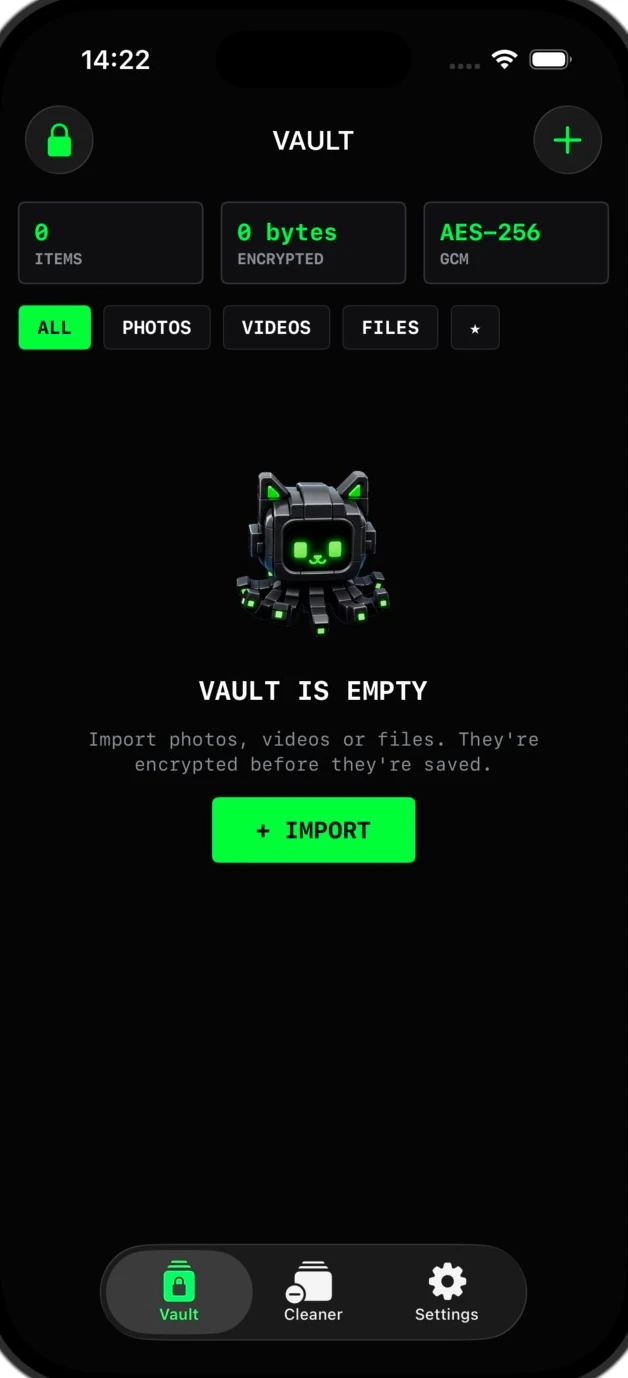
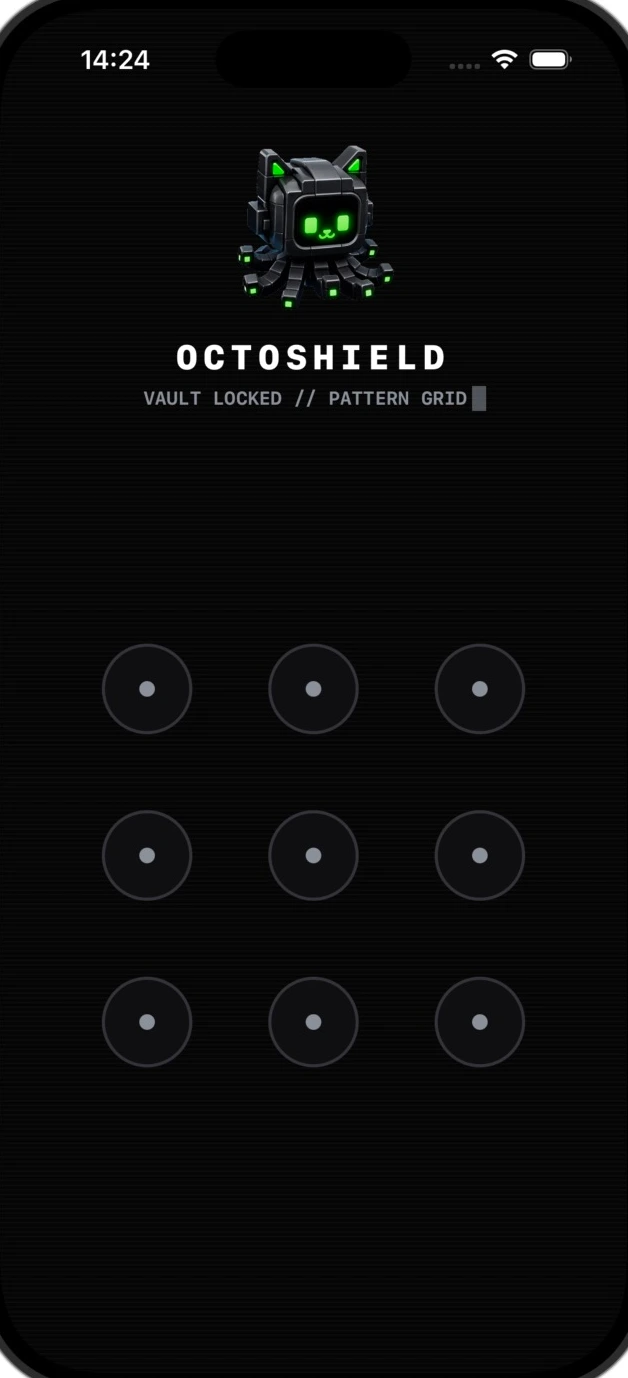
Real app screens · Preview animations
Pattern preview.Everything in its
own little place.
Some photos are for sharing.
Some are just for you.
And some can probably go.
Personal stays personal.
Give private photos and videos an encrypted home outside your camera roll.
Meet your vaultLess “I’ll sort it later.”
Left to delete. Right to keep. Up to protect. One photo, one easy decision.
Find your flowMore than a photo vault.
Keep documents and other private files under the same lock. Import, protect, breathe.
A place for your filesA fresh start.
At the swipe
of a finger.
Your camera roll, without the overwhelm.
You decide what stays, goes, or gets a little extra protection.
Let it go.
Queue the ones you don’t need. Review and confirm before deleting.
Keep the good stuff.
A memory worth keeping? Leave it right in your photo library.
Make it just yours.
Create an encrypted vault copy. Review removal of the original separately.
A little reading. A lot more clarity.
How to hide photos on iPhone
Hide photos using the iPhone Hidden album, check its lock, and learn when a separate encrypted photo vault makes sense.
Read the guideHow to swipe to delete photos on iPhone
Swipe left to delete, right to keep, or up to protect a photo in Octoshield. Learn how the review queue and deletion confirmation work.
Read the guideHow to encrypt files on iPhone
Import PDFs and other files into an encrypted iPhone vault. Learn what is protected, what happens to originals, and how to plan for recovery.
Read the guideGood questions.
Clear answers.
Privacy should feel simple.
Understanding it should, too.
01What is Octoshield?+
An iPhone app combining an encrypted photo and file vault with a swipe-based photo cleaner. Protect private copies and review your camera roll one photo at a time.
02How do the photo swipes work?+
Left queues a photo for deletion, right keeps it in Photos, and up creates an encrypted vault copy and queues the original for removal. Review and confirm before deleting.
03Can I protect documents as well as photos?+
Yes. Import files with the iOS picker. Octoshield encrypts copies inside its vault. Original files and folders stay in their source location.
04Are vault files uploaded to a server?+
The current vault stores encrypted files on your iPhone and does not upload them to an Octoshield server. iOS Photos may download iCloud originals during import or review.
05What if I forget my secret or change iPhones?+
There is no recovery service and the vault is excluded from backups. Losing your secret, deleting the app, or losing the device can mean losing files. Export essential files before changing devices.
06Is Octoshield free to download?+
Download Octoshield for free from the App Store. Check the listing for the currently available version, compatibility, and any purchase details.

A cleaner camera roll.
A more private iPhone.
Keep what matters. Protect what’s personal.
Download for freeFree to download · For iPhone